How Versara Works
Transform your academic achievements into CV updates in just three simple steps.
Create Your Account, Find an Academic Achievement Email
Create an account and enter the email addresses from which you will forward academic emails. Next, find an academic achievement email that contains information you would like to add to your CV (such as paper acceptances).
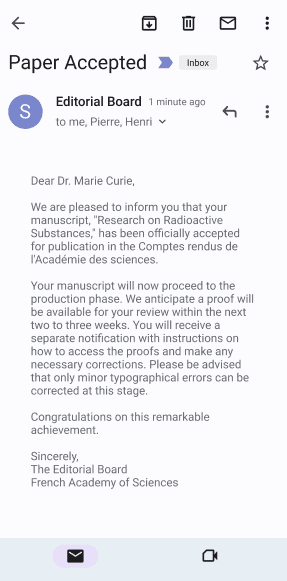
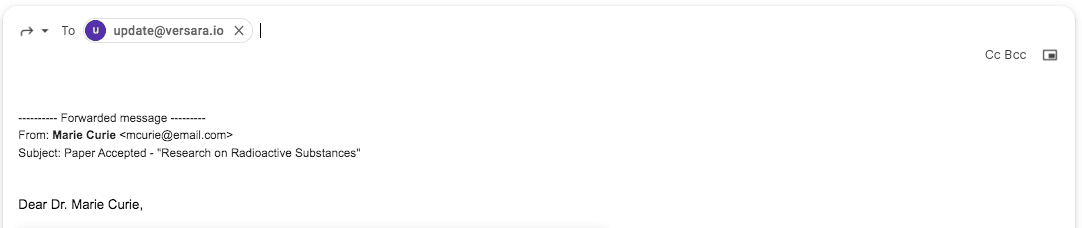
Forward Your Achievements
Forward achievement notifications to: update@versara.net.
Review & Publish
Review extracted entries in your dashboard to find the entry to add to your CV. You can also publish to your Versara-created website in one click!
Research on Radioactive Substances.
Curie MS, Curie P, Becquerel H. Comptes rendus de lAcademie des sciences. Accepted for publication July 1898.
Share with Your Collaborators
Share the CV entry with your collaborators to save them time too! Automatically notify co-authors and team members when new achievements are processed.